
Microsoft Teams Voice Automation
Start Teams voice, transcripts and AI call handling on one Vonics edge.
Connect Teams Phone to hosted Direct Routing, keep live calling protected during validation, then add transcript webhooks, AI receptionist or support-agent workflows when the voice path is ready.
Teams Voice Automation
No Teams user tax. A voice edge that can transcribe, trigger and answer.
Vonics prices the Teams voice edge by call capacity, not by how many staff sit inside Teams. The same path can later send transcripts to webhooks, route calls to AI reception and hand support calls to Teams with context.
 Microsoft Teams
Teams Phone
Hosted SBC edge
Transcript webhooks
AI receptionist
ABN check
Microsoft Teams
Teams Phone
Hosted SBC edge
Transcript webhooks
AI receptionist
ABN check
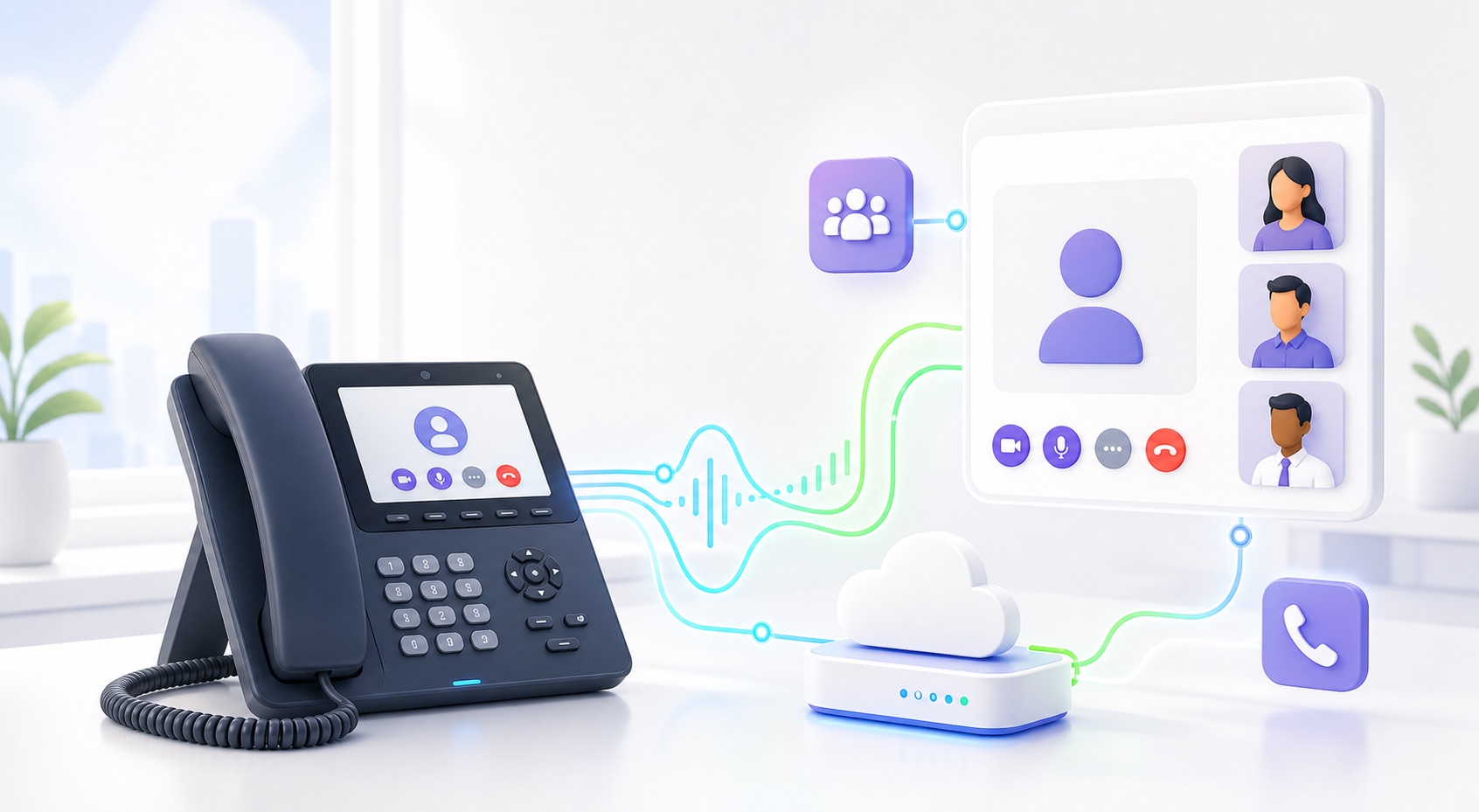 Teams Phone + Vonics EdgeTeams tenant
Tell us the Teams size, phone licence state and preferred routing plan.
Teams Phone + Vonics EdgeTeams tenant
Tell us the Teams size, phone licence state and preferred routing plan.
Vonics edge
Hosted Direct Routing, SIP control, recording, transcript events and workflow-ready handoff.
Numbers
Validate ownership, porting authority or carrier path before live outbound spend.
What this can become
Start with Direct Routing. Demonstrate the workflow layer next.
The protected signup gets the voice edge and validation started. From there, the Teams package can grow into practical automation buyers can see: transcripts, webhook events and AI call handling.
Direct Routing edge
Teams Phone users keep the familiar calling surface while Vonics manages the hosted edge, SIP interop, call capacity and number validation.
Transcript to webhook
After a call, send transcript text, summary, recording reference, caller details and outcome tags to a webhook or ticketing workflow.
AI receptionist or support
Route overflow, after-hours and Level 1 support calls to a bounded AI agent, then hand off to Teams when a person needs to step in.
Teams signup
Tell us who owns the business and which numbers need routing.
This creates a pending Teams Direct Routing workspace. We ask for ABN details so the business can be checked against ABN Lookup, then validate phone-number ownership before increasing credit or enabling live outbound calling.